Tuesday, March 4, 2014

PDFs and Photoshop Filters

PDF is a universal format, it is widely used and has wide uses such as you can embed not just documents but also images, videos and audios. Most of the computers today and devices alike have Acrobat Reader (used to read PDF files) already installed.

Now, when making PDFs can be simple or complex, you can also limit the file when it comes to security, printing, viewing and editing.


You can limit the resolution


or the color space


or even add passwords for accessing and printing


and here shows the summary of the settings you've calibrated for the PDF


And now for the Photoshop Filters (which can be found in the Menu Bar called "Filter")

Here're just a few samples of the many filters you can work with in Photoshop


Combining the filters can make more effects to your liking

and also a special filter called "Vanishing Point" lets you plot out the perspective plane/s in an image just like this one I worked with
One of the many advantages to it is when you use the clone stamp tool because it aligns itself to the grid instead of just a flat out brush along the image

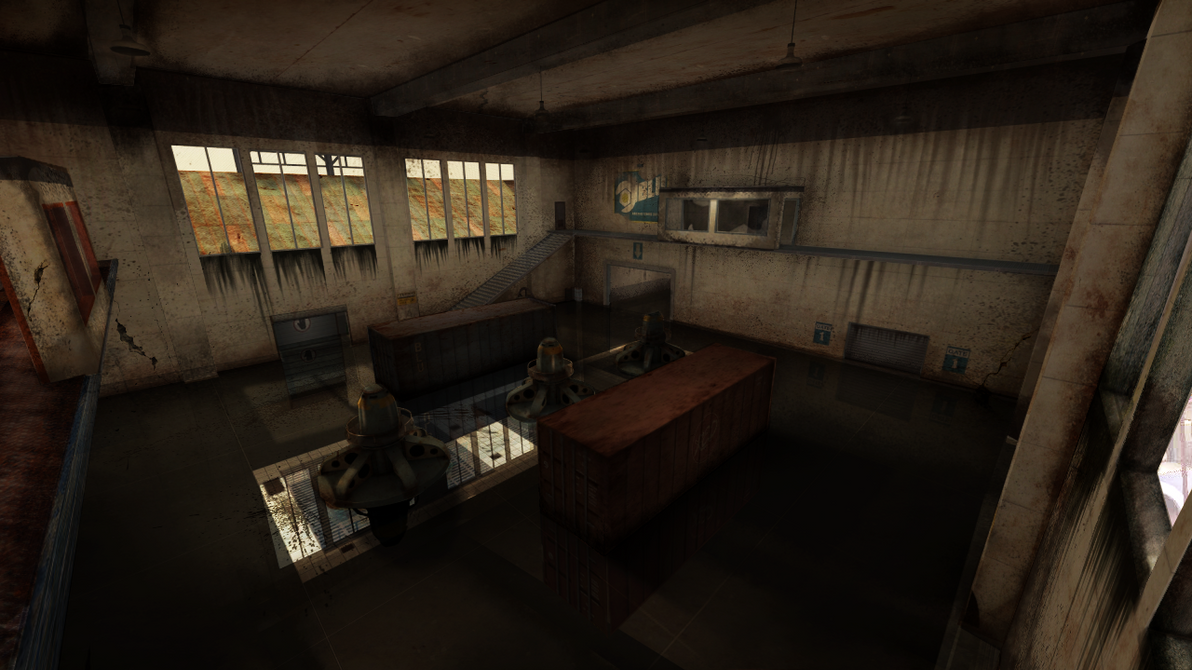
and this is the finished product, I most used textures and brushes to make these effects

before:


after:

process:
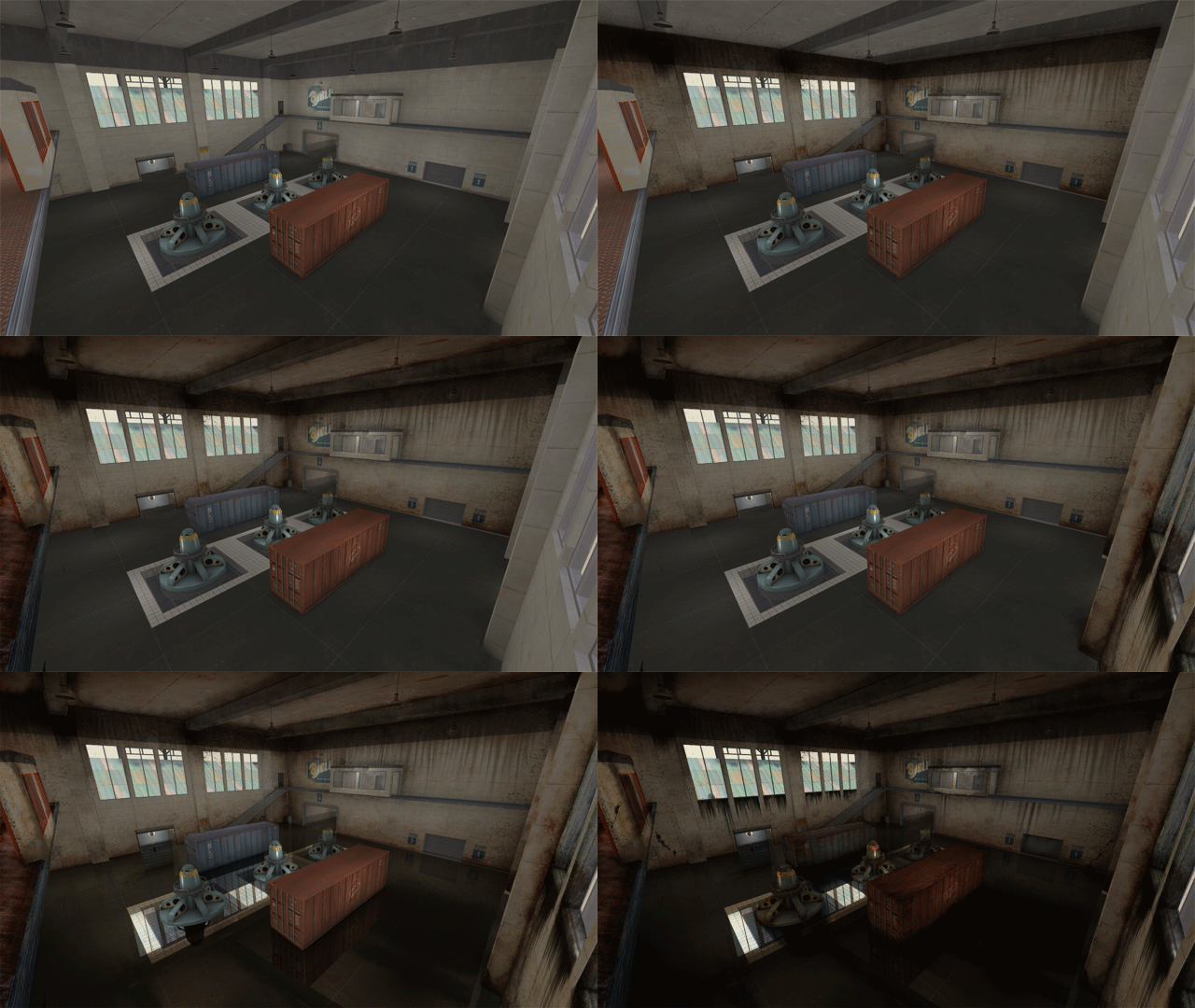

Although the filter isn't as accurate so you still have adjust it yourself if it the grid doesn't simulate the perspective in the image.


Tuesday, February 11, 2014

Right or Wrong? Right or Left?

So we did this sort of aptitude test, our prof had 4 quadrants displayed on the projector with words that are closely related, he explained each word (e.g. logical = decision making based on logic, detail = thinking in detail when it comes to decisions, etc) and we have to write down the ones we believe we have the kind of thinking. Although I’d say not all of these traits shows on me because I usually keep it to myself but looking back at my experiences, I don’t stick to one kind of thinking, it still depends on the situation. I basically wrote down everything in A,B and D.

And when we were finished, our professor asked who got the most words written down on A & B, and I was the only one who raised a hand, and the rest is already obvious that they had C & D dominant, and he said that A & B people are left-brained thinkers (that’s where the lawyer, doctor, administrator, and other professions I don’t look forward to, comes in), and I get it every time I take aptitude tests.

Lastly, we had to make something related to the topic, we were asked to make our own versions of the 'Left Brain VS Right Brain' poster, and this is what I made


Left brain is mostly portrayed as the boring type and showed with not so exciting stuff when it comes to those posters and so I want to change that, I did my best to make it look as exciting as the right in a sense that they are. To be honest, I had a hard time composing the right compared to the left brain in this piece.

Wednesday, January 29, 2014

Character-instincts

Obviously the human body has an anatomy, even computers and even letters. Although not as complicated as the first two examples I've given but still something that isn't as inviting to memorize, so its better off understanding it instead.


Typographic parts of a glyph: 1) x-height; 2) ascender line; 3) apex; 4) baseline; 5) ascender; 6) crossbar; 7) stem; 8) serif; 9) leg; 10) bowl; 11) counter; 12) collar; 13) loop; 14) ear; 15) tie; 16) horizontal bar; 17) arm; 18) vertical bar; 19) cap height; 20) descender line. source
Since we are currently familiarizing ourselves in Photoshop, we discussed about the character transformation within the text tool, that includes: Size, leading, kerning and tracking.

Size is already self explanatory, and most of us are familiar with it.

Leading is the space between each line in a paragraph.

Tracking is the space size between all characters.

While Kerning is the space size between specific characters.

Also a common misconception about "Fonts", the right term for it is "Typeface", while font is the combination of a typeface and style (e.g. arial bold, times new roman italic).

There are typefaces that doesn't have lower case letters or styles or both, and so there are these buttons within the character transformation menu where you can enable upper/lower case letters, bold/italic, super/subscript, etc.

Here's a sample playing around with the settings


Wednesday, January 22, 2014

That is so Kul

I never noticed the Kuler Extension in Photoshop CS4 until now, or maybe because my version of Adobe Photoshop CS4 doesn't have it yet.

Kuler is a plug-in where you can create your own color schemes. It has a color wheel where there are arrows pointing to what color you want to include in your color swatch, it varies of what type of schemes the arrow will be based on (e.g. monochromatic, complimentary, adjacent, etc).

Our professor also discussed about layer blending modes, there are 6 categories, there's one who makes the darker colors stand out, there's one with the lighter colors, and there's one with both, one that gives a negative effect, and last is the one that focuses on color.

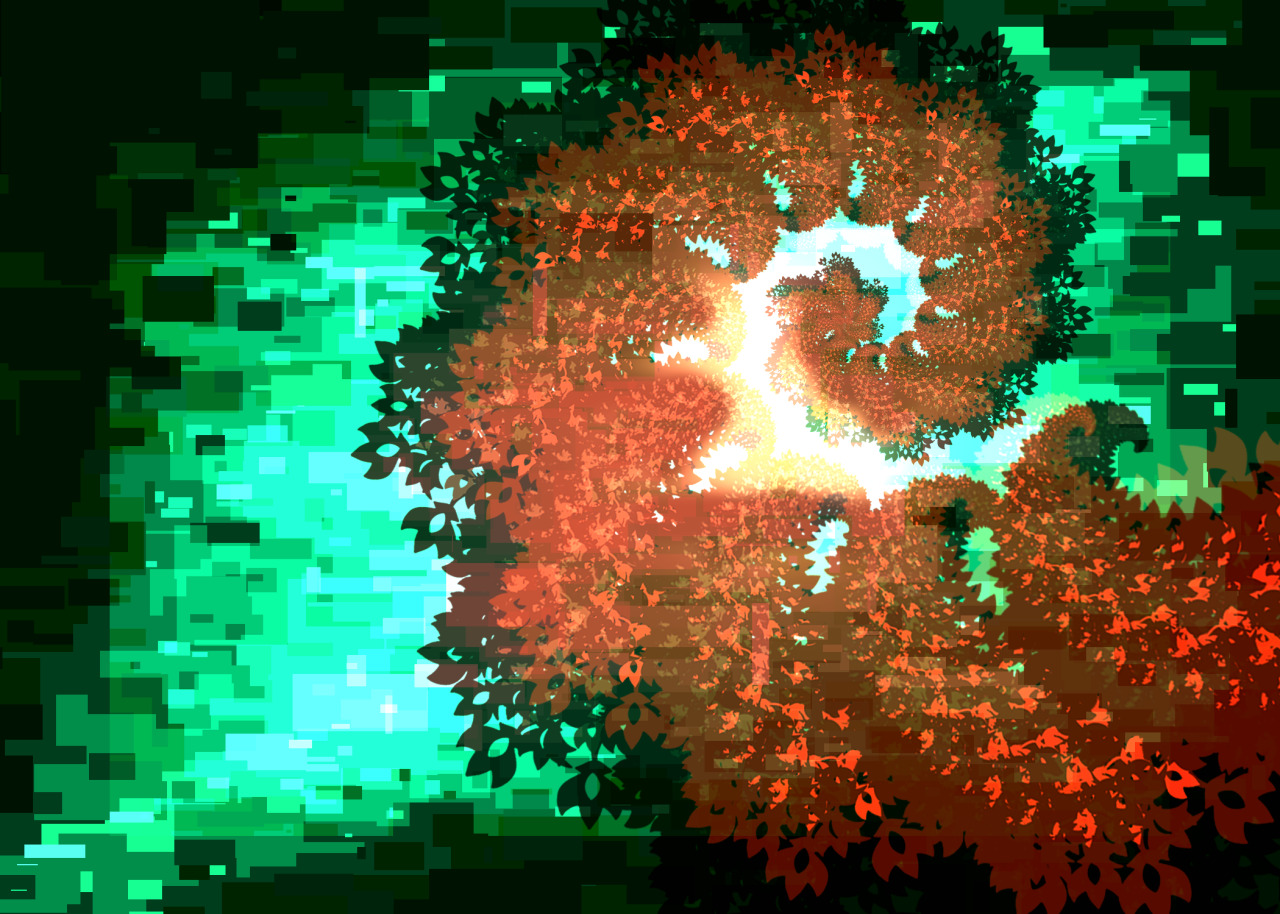
Here's a sample of a piece where I used a color scheme and some blending options (screen, overlay and multiply)


Wednesday, January 8, 2014

2012 vs 2013 Photoshop Works

I don't even think there's an improvement :\

2012
Ninja Spy Wallpaper by Py-Bun

2013 (Collab with Bubblez, he did the Medic/Guy on the right pic)

Pens and Brushes and Pens

Our last lesson in Color Theory sure was interesting. I mean, our professor taught us how to use the pen tool as a path for the text, I never knew that before. Here's a sample

and the other one was putting text in a shape (with a photo screened over the black text), like this:


While the brush settings are already familiar to me, here're some results of those different settings, combined and solo:


Tuesday, December 17, 2013

File Formats

File Formats vary in size, quality and use. It is essential to know what are the kinds of file formats there are because not all formats work on all platforms or where you are viewing the material.

Raster - are pixel based, larger file size, same as a bitmap
Vector - Consists of lines and points, smaller file size and preserves the quality of the image
Lossless - preserves image quality
Lossy - compresses image

An Example of Vector Image


File Formats
Images:

Jpeg - best for photos, small size, can support 16.8 million colors, used for web, slr camera image format
Gif - can support animations, 256 colors, used for web, can be transparent, small size
Png - can support 16.8 million colors, used for web, larger file size compared to the above
Psd - photoshop document, large file size, preserves layers and quality
Tiff - usually a flat image but can also have layers just like psds, but the layers can only be opened in photoshop, large file size, preserves quality
AI - adobe illustrator document, vector based

Video:

mp4 - is the jpeg equivalent in video
avi - is the psd equivalent in video
mpeg -
3gp -
mov - dslr video format

Audio:

mp3 - is the jpeg equivalent in audio
wav -
wma -
ogg - for web
midi - its like the psd equivalent but with a smaller file size, like the vector of audio formats